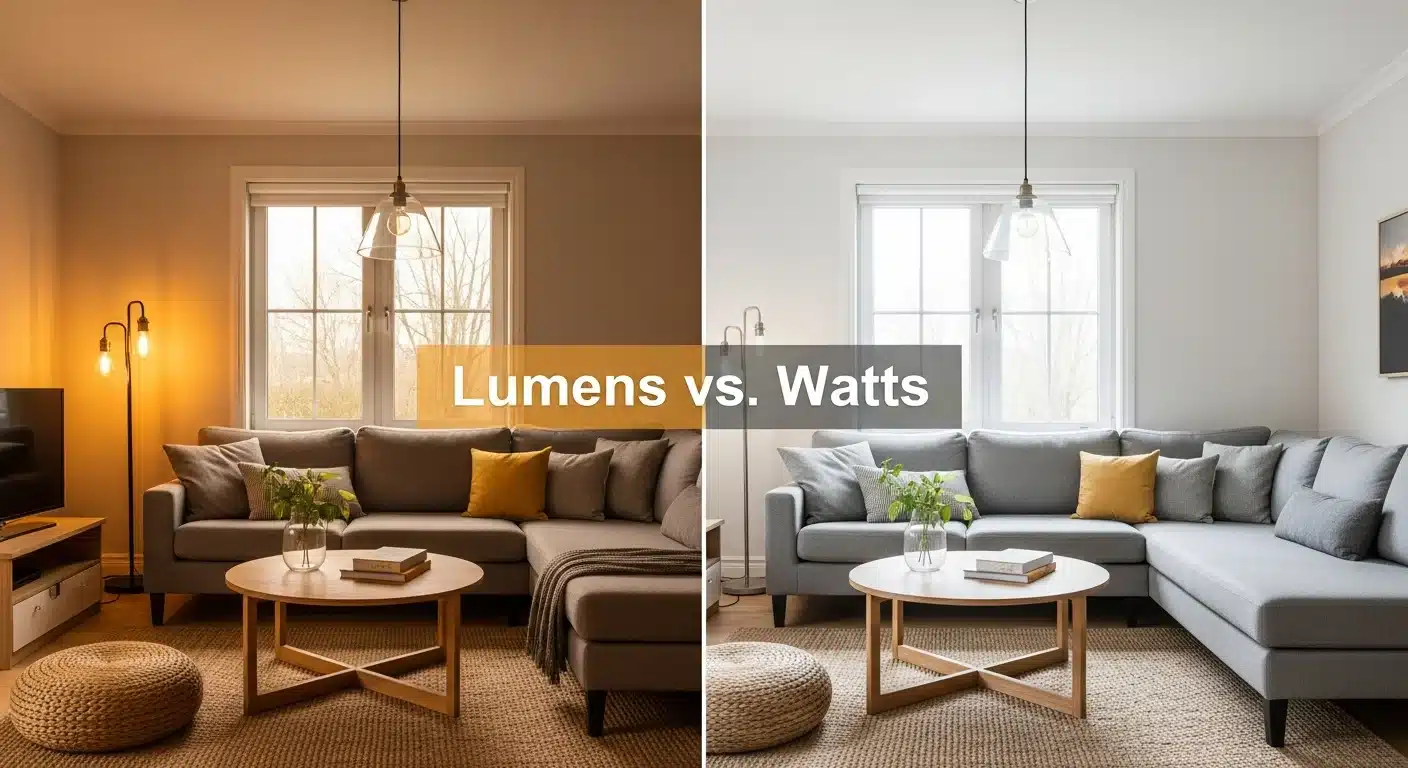
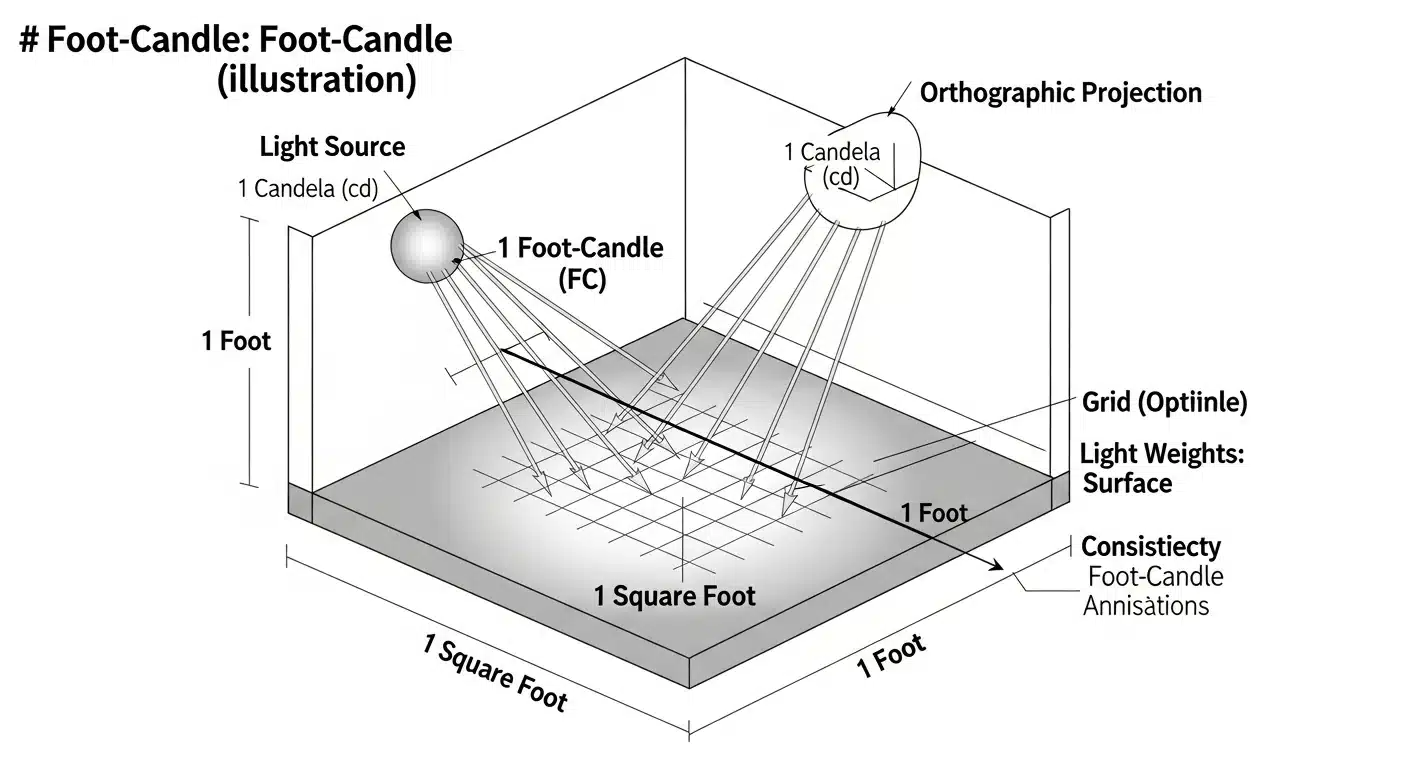
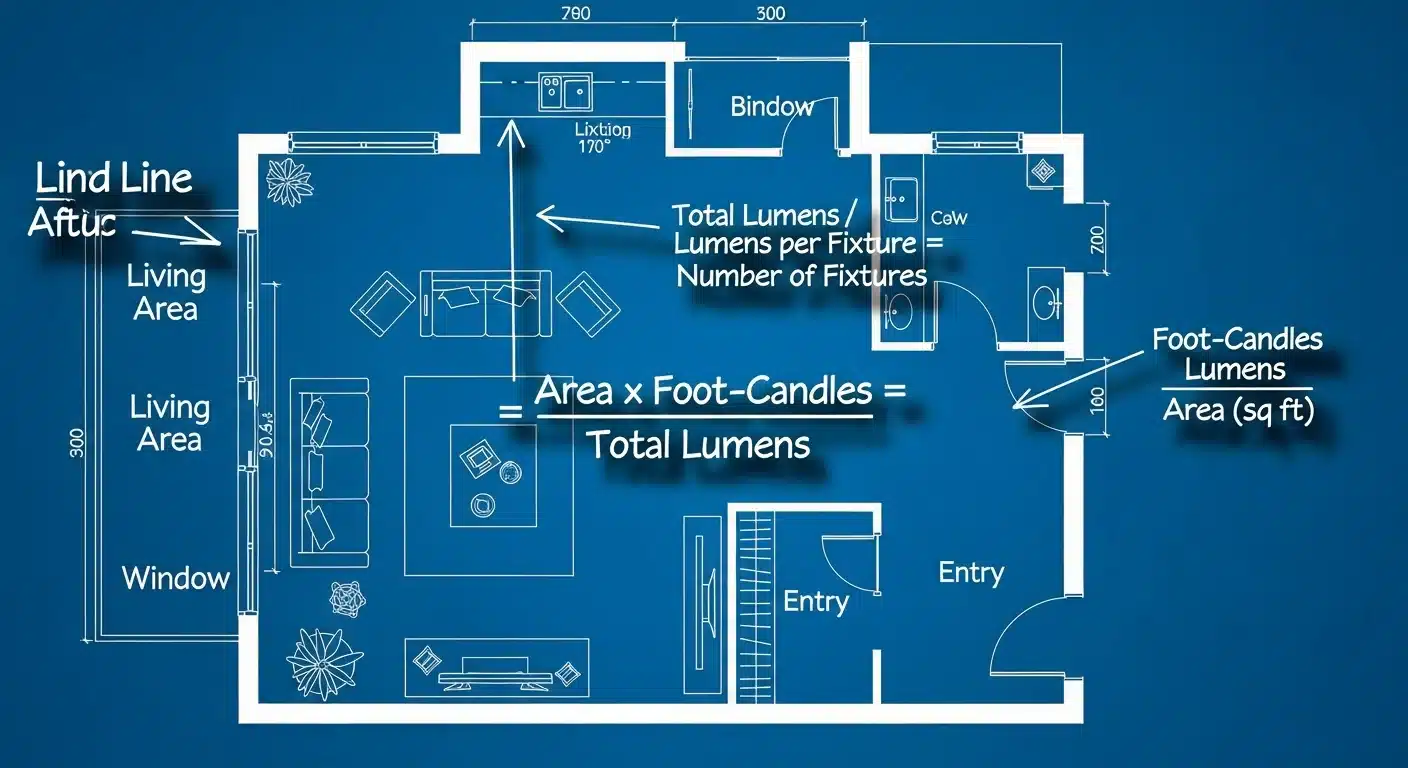
Lumens Calculator & Guide: How Many Lumens Do I Need per Room?
Posted by Timur Z. on 27 March 2026
Ultimate Guide to 3 Way Dimmer Switch Wiring: Diagrams, Installation, and Troubleshooting
Upgrading your home lighting with dimmers is one of the most effective ways to improve ambiance and energy efficiency. However, when you approach a staircase or a hallway with two switches controlling the same lights, things get complicated. This is the domain of the 3 way dimmer switch.
Unlike a simple single-pole switch, wiring a 3-way circuit involves "traveler" wires and identifying the "common" terminal. If you wire it incorrectly, your lights might flicker, not turn off, or only work when the other switch is in a specific position.
This comprehensive guide covers everything from the basic 3 way dimmer switch wiring diagram to advanced troubleshooting for LED compatibility and smart switches like the Lutron Maestro or Leviton Decora.
Before grabbing your wire strippers, you must understand how a 3-way circuit functions. In a standard single-pole switch, you simply interrupt the hot wire. In a 3-way setup, two switches allow the current to travel along one of two alternate paths, known as travelers.
Key Terminology & Wire Colors
Identifying your wires is the most critical step. Do not rely solely on wire jacket colors, as they can vary based on when the house was built. Instead, look at the screw terminals on the switch.
Common (Line/Load): This is usually the Black or Dark-Colored screw.
In Box A, the Common connects to the Line (incoming power from the breaker).
In Box B, the Common connects to the Load (wire going to the light fixture).
Travelers: These connect to the two Brass or Gold screws. These wires run between the two switches. They are often Red and Black, or sometimes Red and White (if a 3-wire cable is used).
Ground: The Green screw connects to the bare copper or green wire.
Neutral: Usually a bundle of White wires tucked in the back of the box.
NEC Warning: Per NEC 404.2(C), modern switch boxes must have a neutral wire present. While standard mechanical dimmers might not use it, smart dimmers (Wi-Fi/Z-Wave) require a neutral to power their internal radios.
Can You Put a Dimmer on a 3 Way Switch?
Yes, but there is a catch. A frequent question homeowners ask is: "Can I put a dimmer on both ends of a 3-way switch?"
The Rule of Thumb
Standard Mechanical Dimmers:NO. You cannot use two standard rotary or slider dimmers on the same 3-way circuit. If you dim one to 50% and the other to 50%, the voltage drops stack, causing the light to turn off or flicker. You must install one dimmer and keep the other as a standard mechanical on/off switch.
Smart/Digital Dimmers:YES. Systems like the Lutron Maestro 3-way dimmer wiring diagram or Leviton Vizia utilize a "Master" dimmer and a "Companion" (remote) dimmer. These communicate digitally via the traveler wire, allowing dimming from multiple locations.
3 Way Dimmer Switch Wiring Diagram
The most common configuration involves replacing one of the two mechanical switches with a dimmer. Below is the logic for wiring a 3 way switch with dimmer in a standard "Line-Switch-Switch-Load" topology.
Scenario 1: Power enters Switch Box 1, Light is fed from Switch Box 2
This is the standard modern wiring method.
Switch Box 1 (Line Side):
Incoming Hot (Black): Connects to the Common (Black screw) of the first switch.
Travelers (Red + White/Black): Connect to the two Traveler screws.
Neutral: Spliced through to the next box.
Switch Box 2 (Load Side - Where you usually place the dimmer):
Travelers: Connect from the wall to the Traveler terminals (or Blue/Red wires) of the dimmer.
Common: The wire going up to the light fixture connects to the Common terminal of the dimmer.
Mathematical Load Calculation
When installing dimmers, specifically for 3 way dimmer switch wiring multiple lights, you must ensure you do not exceed the wattage rating. If you are installing multiple dimmers side-by-side (ganging), you often have to remove metal tabs (heat sinks), which derates the capacity.
$$ P_{total} = \sum_{i=1}^{n} P_{bulb_i} $$
Where:
$P_{total}$ is the total wattage.
$P_{bulb}$ is the wattage of a single bulb.
Example: If you have a 600W dimmer but remove one side of fins, it becomes a 500W dimmer. If you have 8 LEDs at 12W each: $$ 8 \times 12W = 96W $$ This is well within the safety margin. However, for incandescent loads, be careful not to exceed the derated limit.
How to Install a 3 Way Dimmer Switch: Step-by-Step
Follow this guide to safely perform installing a dimmer on a 3 way switch.
Tools Needed
Non-contact voltage tester
Screwdrivers (Flathead and Phillips)
Wire strippers
Wire nuts
Electrical tape
Step 1: Safety First
Turn off the power at the circuit breaker. Use your voltage tester to confirm that both switches are dead. Remember, a 3-way circuit involves wires traveling between boxes; ensure power is off at the source.
Step 2: Identify the "Common" Wire
Before disconnecting the old switch, look for the screw that is a different color (usually black or dark copper). The other two screws will be brass/gold. Tag the wire connected to the dark screw with a piece of electrical tape. This is your Common. This is the most crucial step in how to wire a dimmer switch with 3 wires.
Step 3: Disconnect and Connect the Dimmer
Most dimmers come with pre-attached wire leads rather than screws. Connect them as follows:
Ground: Green dimmer wire $\rightarrow$ Bare copper/Green house wire.
Common: Black dimmer wire $\rightarrow$ The wire you tagged in Step 2 (Common).
Travelers: The two remaining wires (often Red and Blue on the dimmer) connect to the two remaining wires in the wall box. The order of these two usually does not matter for standard switches, but check the manual for smart switches.
Wiring a 3 Way Switch with Dimmer and Multiple Lights
If you are searching for a 3 way led dimmer switch wiring diagram for a room with recessed lighting (cans), the concept remains the same, but the "Load" wire leaving the second switch splits to feed all lights in parallel.
The Common terminal of the second switch (dimmer) sends the switched hot leg to the first light fixture.
From the first fixture, the power "daisy chains" to the second, third, etc.
All neutrals from the lights connect back to the source neutral.
Critical Check: Ensure your dimmer is rated for the type of load (LED/CFL/Incandescent). For LEDs, use a dimmer marked "C.L" or "LED Compatible" to prevent buzzing.
Advanced: Smart Dimmer Configurations
Lutron Maestro 3-Way Dimmer Wiring Diagram
Lutron Maestro and similar digital switches differ from mechanical ones. They often require a specific wiring orientation.
Tagging: You still must identify the Common.
Master vs. Accessory: The Master dimmer goes in one box, and the Accessory switch goes in the other.
Jumper Wire: Some setups require you to tie the traveler and hot wire together in the standard switch box if you are using a "single pole" dimmer in a 3-way application (using a Pico remote, for example).
Leviton 3 Way Dimmer Switch Wiring
Leviton smart dimmers often require a Neutral wire (White) connected to the switch. If your box does not have a neutral bundle, you may need a "No-Neutral" specific model (like the Leviton Decora Smart No-Neutral or Lutron Caseta).
3 Way Dimmer Switch Wiring Troubleshooting
Even experts run into issues. Here is a checklist for 3-way dimmer switch wiring troubleshooting.
1. Lights Flicker or Strobe
Cause: Incompatible bulb or Low-End Trim setting.
Fix: Most modern dimmers have a small slider or dial under the faceplate. Turn the lights to the lowest setting, then adjust this dial until the flickering stops. Ensure your bulbs are "Dimmable LEDs."
2. Light Only Works if the Other Switch is "ON"
Cause: Misidentified Common wire.
Fix: You likely swapped the Common wire with one of the Travelers. Turn off power, identify the line/load wire again (using a multimeter if necessary), and ensure it connects to the Black/Common screw.
3. Ghosting (Light Glows When Off)
Cause: Small amount of current leaking through the dimmer to power its internal LED locator light or smart radio.
Fix: This happens with LEDs. Install a LUT-MLC (dummy load adapter) or switch to a dimmer with a Neutral wire connection.
4. Dimmer Gets Hot
Cause: Normal operation vs. Overload.
Fix: It is normal for dimmers to feel warm (heatsink effect). However, if it is too hot to touch, you have exceeded the wattage rating. Recalculate your load using the formula $$ P_{total} $$ above.
Frequently Asked Questions (FAQ)
Can I use a regular 3-way switch with a dimmer?
Yes. This is the standard configuration. One box has a dimmer, and the other box has a standard 3-way toggle switch. You cannot have standard dimmers at both ends.
What are the wire colors for a 3-way dimmer?
Typically:
Black: Common (Line or Load).
Red/Blue: Travelers.
Green: Ground.
White/Silver: Neutral (only used on smart dimmers).
Note: Always verify with the manual, as brands differ.
How does a 3 way dimmer switch work?
A 3-way dimmer works by routing current through one of two traveler wires. The dimming function (Triac or MOSFET) chops the AC sine wave to reduce power to the light, regardless of which traveler path is active.
Can you dim a 3 way switch without a neutral wire?
Yes. Standard mechanical 3-way dimmers and specific smart dimmers (like Lutron Caseta Original) do not require a neutral wire. They rely on the load (bulb) to complete the circuit, which is why using quality dimmable LEDs is crucial to prevent ghosting.
Disclaimer: All content on Lumen-LED is provided for educational and informational purposes only. While authored by engineering professionals, technical standards (such as the NEC) evolve, and information may become outdated. Working with electricity carries severe safety risks. All electrical installations and repairs must be performed exclusively by a licensed, qualified electrician. Lumen-LED assumes no liability for any property damage, personal injury, or legal issues arising from the use of this information.
Manage Consent
To provide the best experiences, we use technologies like cookies to store and/or access device information. Consenting to these technologies will allow us to process data such as browsing behaviour or unique IDs on this site. Not consenting or withdrawing consent, may adversely affect certain features and functions.
Functional
Always active
The technical storage or access is strictly necessary for the legitimate purpose of enabling the use of a specific service explicitly requested by the subscriber or user, or for the sole purpose of carrying out the transmission of a communication over an electronic communications network.
Preferences
The technical storage or access is necessary for the legitimate purpose of storing preferences that are not requested by the subscriber or user.
Statistics
The technical storage or access that is used exclusively for statistical purposes.The technical storage or access that is used exclusively for anonymous statistical purposes. Without a subpoena, voluntary compliance on the part of your Internet Service Provider, or additional records from a third party, information stored or retrieved for this purpose alone cannot usually be used to identify you.
Marketing
The technical storage or access is required to create user profiles to send advertising, or to track the user on a website or across several websites for similar marketing purposes.